![Logo - NETRONIC Software - Gantt Charts for Visual Scheduling-a-Boyum-IT-Company-01.png]](https://help.netronic.com/hs-fs/hubfs/2017%20Relaunch/Logo/Logo%20-%20NETRONIC%20Software%20-%20Gantt%20Charts%20for%20Visual%20Scheduling-a-Boyum-IT-Company-01.png?height=50&name=Logo%20-%20NETRONIC%20Software%20-%20Gantt%20Charts%20for%20Visual%20Scheduling-a-Boyum-IT-Company-01.png)
Adjust the time scale
Increase/reduce time scale solution
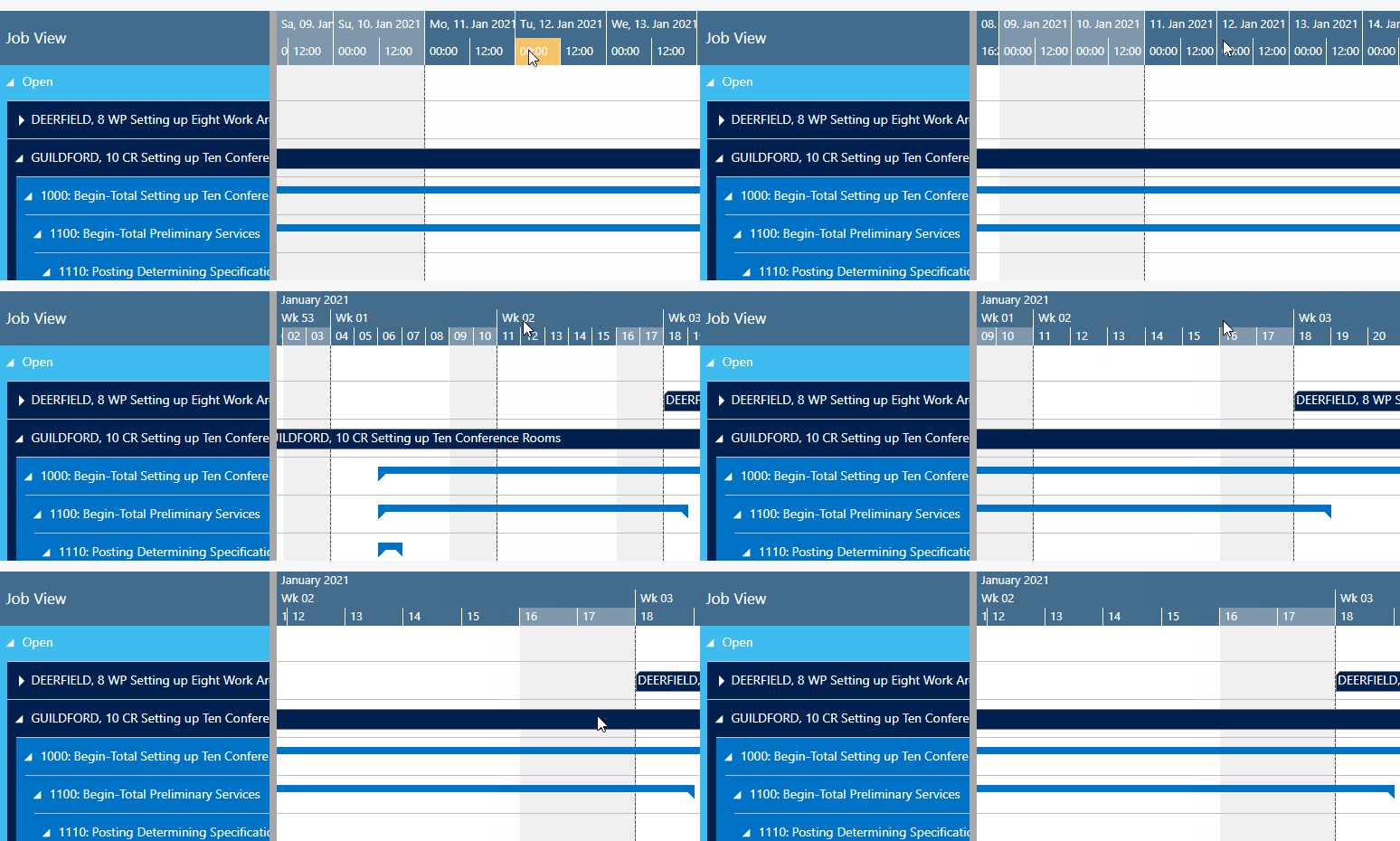
Depending on how much detail or summary is required, you can either increase or reduce the time scale solution
- by mouse wheel within the time scale
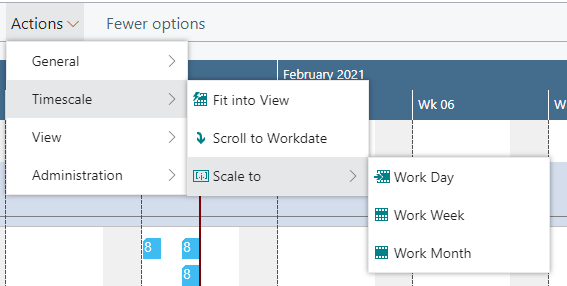
- or, more specifically, by the corresponding items of the “Actions” ribbon, based on the work date as having been specified in the settings of Dynamics 365 Business Central.
Return to default time range
Select "Fit into view" to switch directly to the timescale as defined in the “Setup” Dialog.
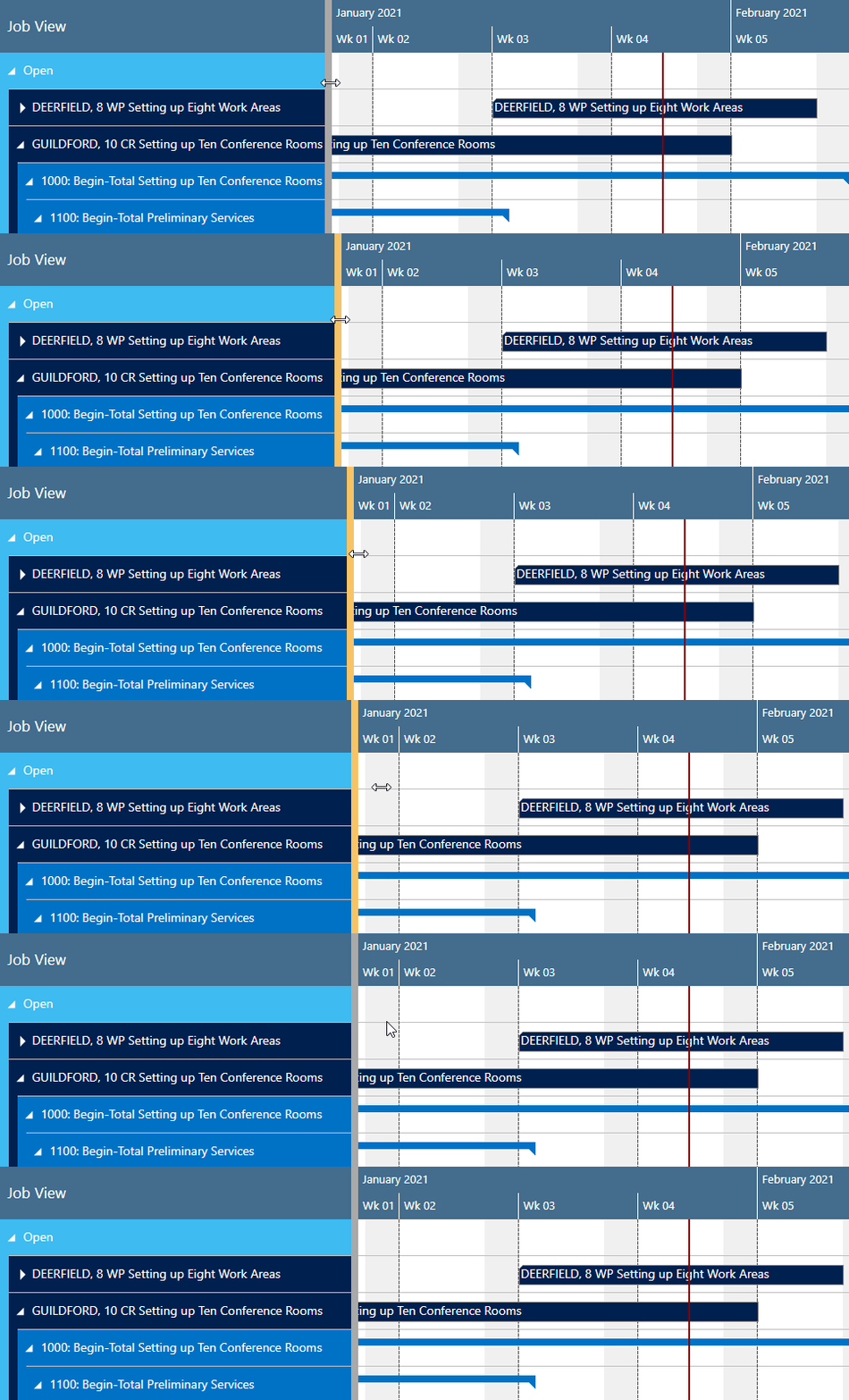
Adjust the width ration between table and diagram
You can modify the width ratio between the table and the diagram by moving the vertical splitter bar between them.