![Logo - NETRONIC Software - Gantt Charts for Visual Scheduling-a-Boyum-IT-Company-01.png]](https://help.netronic.com/hs-fs/hubfs/2017%20Relaunch/Logo/Logo%20-%20NETRONIC%20Software%20-%20Gantt%20Charts%20for%20Visual%20Scheduling-a-Boyum-IT-Company-01.png?height=50&name=Logo%20-%20NETRONIC%20Software%20-%20Gantt%20Charts%20for%20Visual%20Scheduling-a-Boyum-IT-Company-01.png)
The VJS allows to view your data from different angles easily and quickly. Collapse and expand jobs, resource groups, groups etc. thus hiding details or rendering them visible. There are two ways how to collapse/expand the above described elements of your plan:
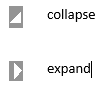
- Collapsing/expanding by clicking the corresponding symbols
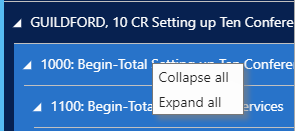
2. Collapsing/expanding by context menu
By opening the context menu either in the table or on the bar you collapse/expand all levels below the current one in one go.
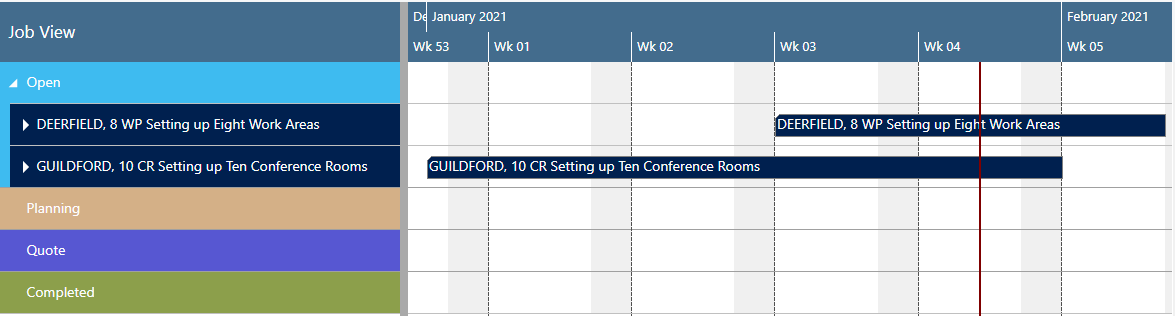
All projects collapsed:
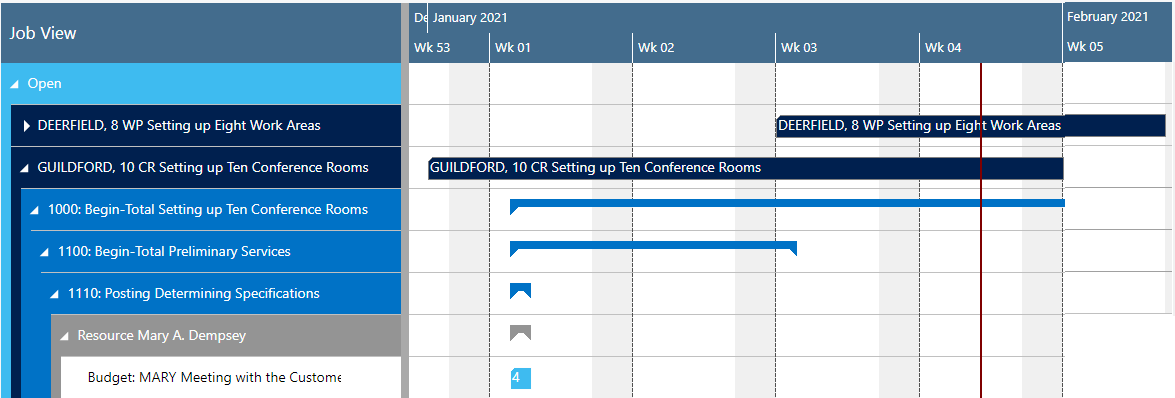
After having expanded parts of project “GUILDFORD, 10”: