![Logo - NETRONIC Software - Gantt Charts for Visual Scheduling-a-Boyum-IT-Company-01.png]](https://help.netronic.com/hs-fs/hubfs/2017%20Relaunch/Logo/Logo%20-%20NETRONIC%20Software%20-%20Gantt%20Charts%20for%20Visual%20Scheduling-a-Boyum-IT-Company-01.png?height=50&name=Logo%20-%20NETRONIC%20Software%20-%20Gantt%20Charts%20for%20Visual%20Scheduling-a-Boyum-IT-Company-01.png)
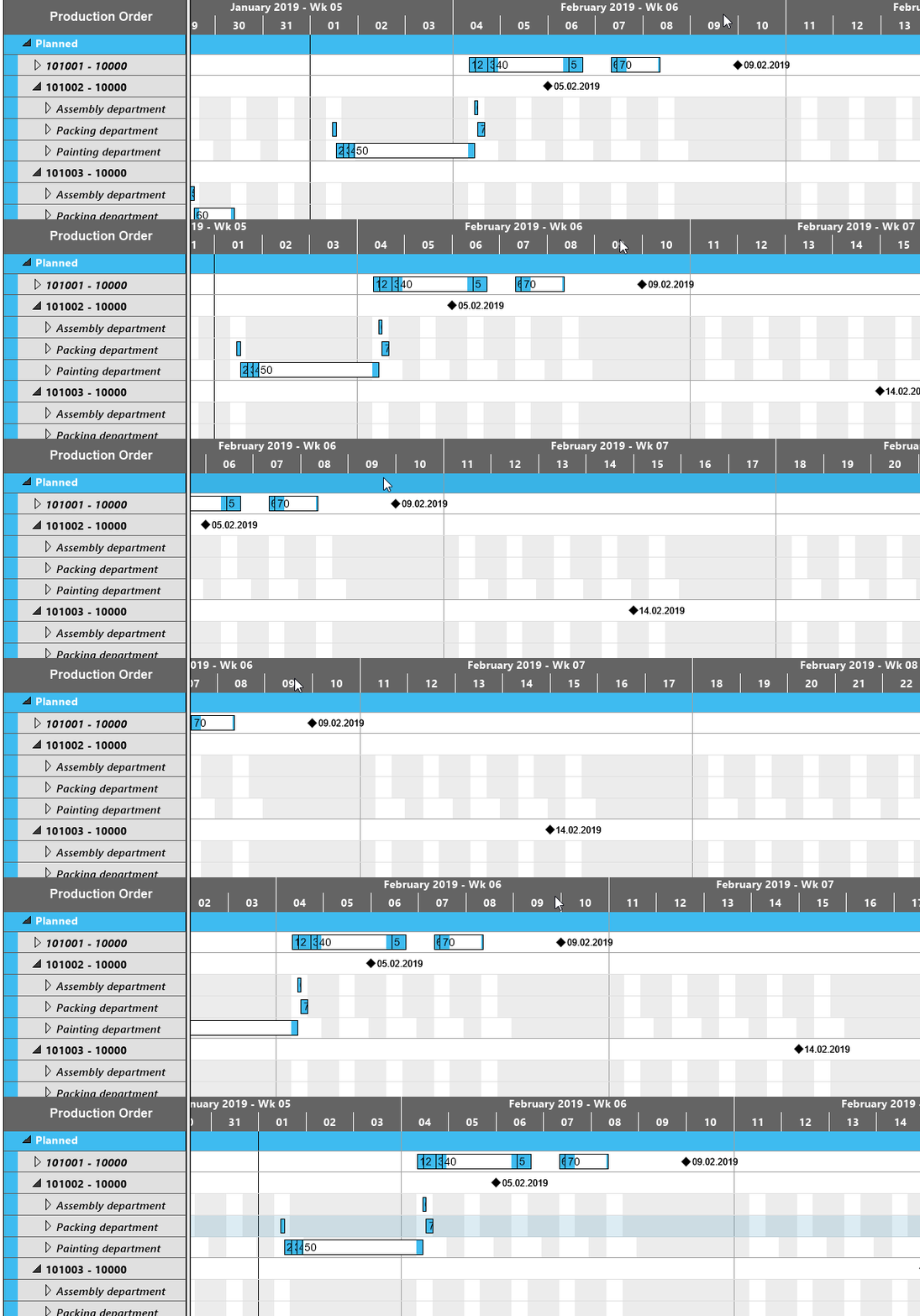
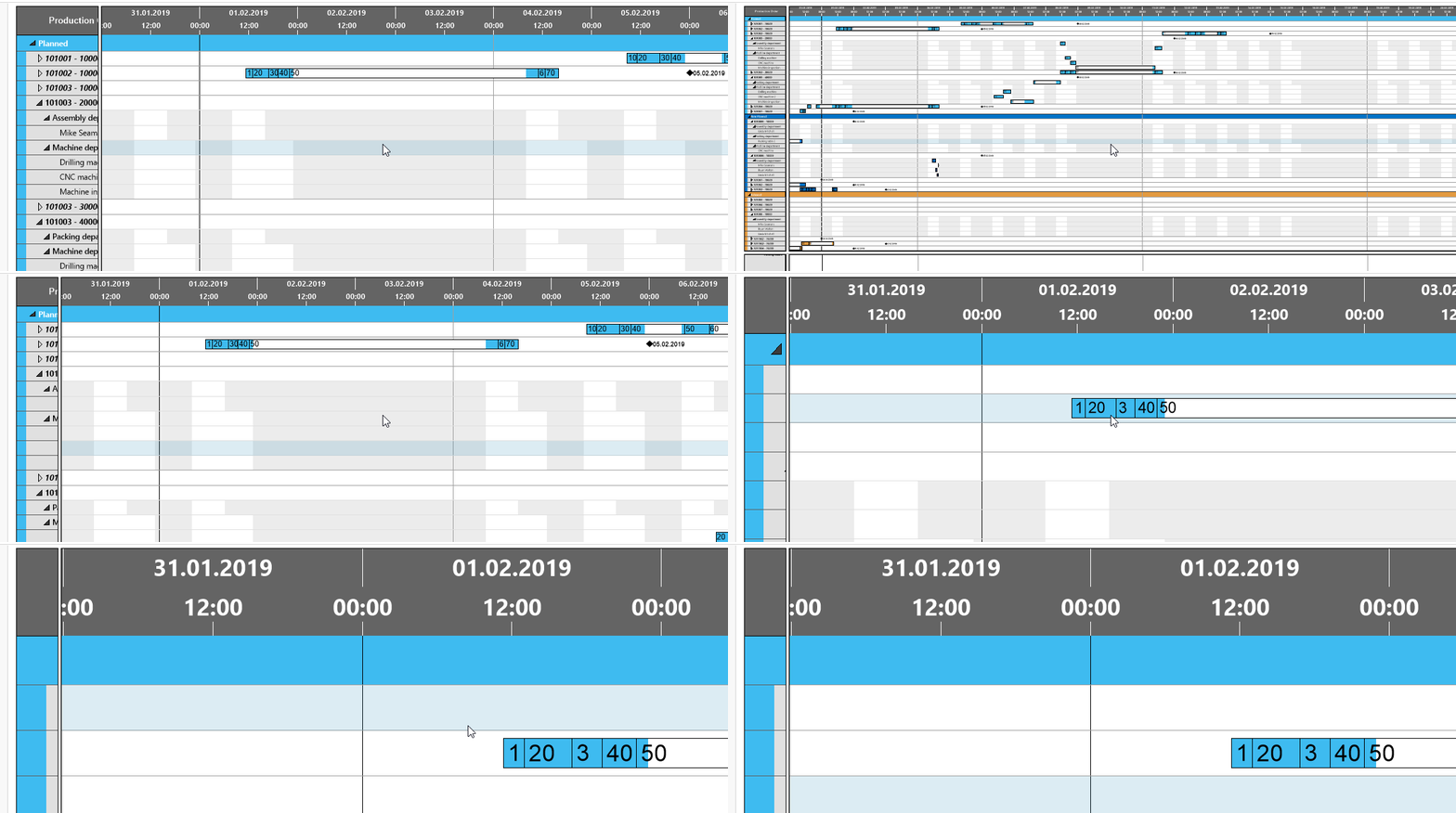
Increase/reduce time scale resolution:
Depending on how much detail or summary is required, you can either increase or reduce the time scale solution by
- mouse wheel within the time scale
- <Shift> + mouse wheel outside the time scale
Return to default time range
If you have modified the time scale solution and want to gain the overview back again, click the icon and the time range as having been defined in the "Setup" dialog will be completely shown again.

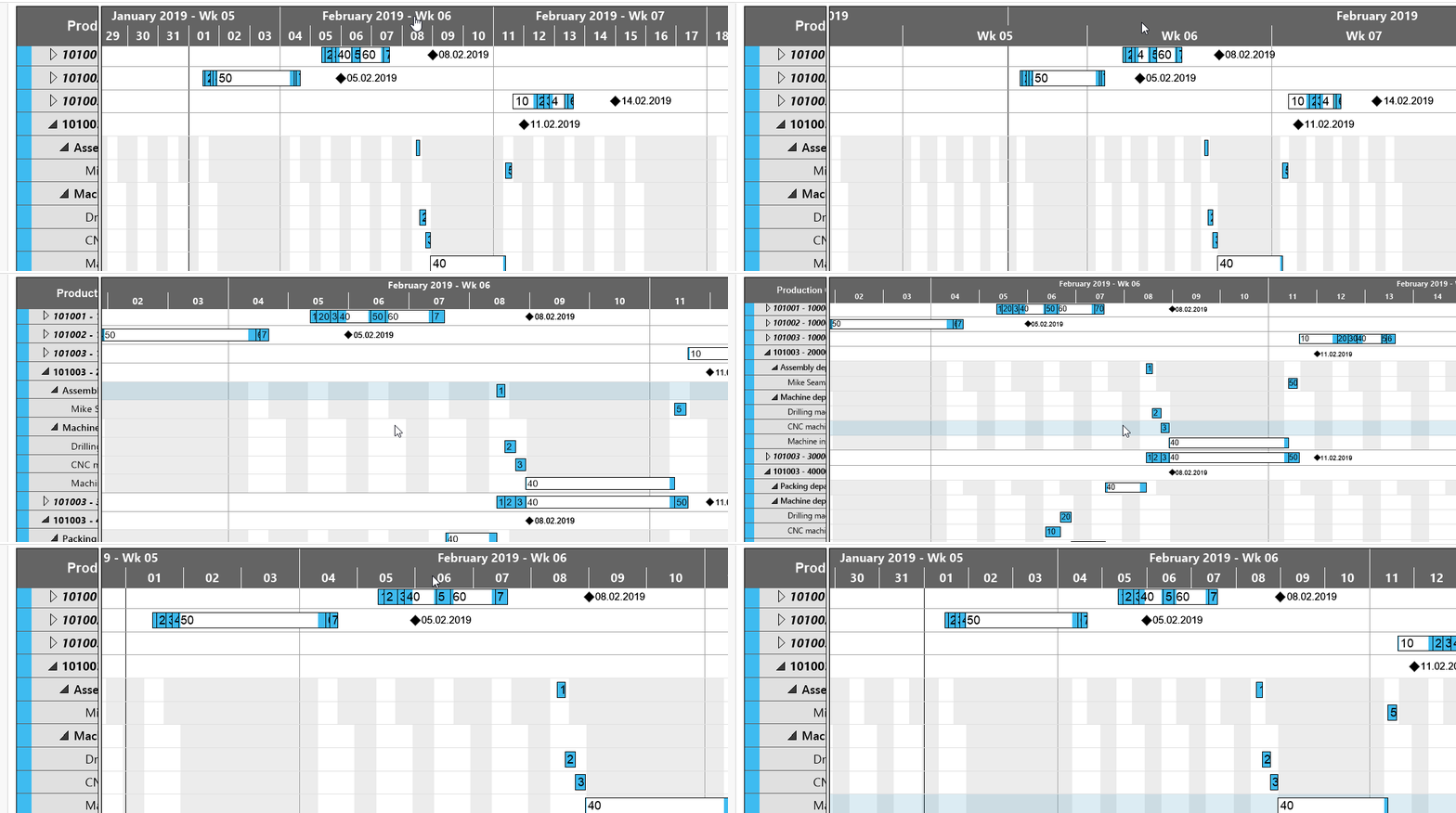
Enlarge/reduce diagram
Zoom the diagram in or out by <Ctrl> + mouse wheel
Shift timescale
Bring another section of your timescale into view by grabbing the timescale by mouse and shifting it.