![Logo - NETRONIC Software - Gantt Charts for Visual Scheduling-a-Boyum-IT-Company-01.png]](https://help.netronic.com/hs-fs/hubfs/2017%20Relaunch/Logo/Logo%20-%20NETRONIC%20Software%20-%20Gantt%20Charts%20for%20Visual%20Scheduling-a-Boyum-IT-Company-01.png?height=50&name=Logo%20-%20NETRONIC%20Software%20-%20Gantt%20Charts%20for%20Visual%20Scheduling-a-Boyum-IT-Company-01.png)
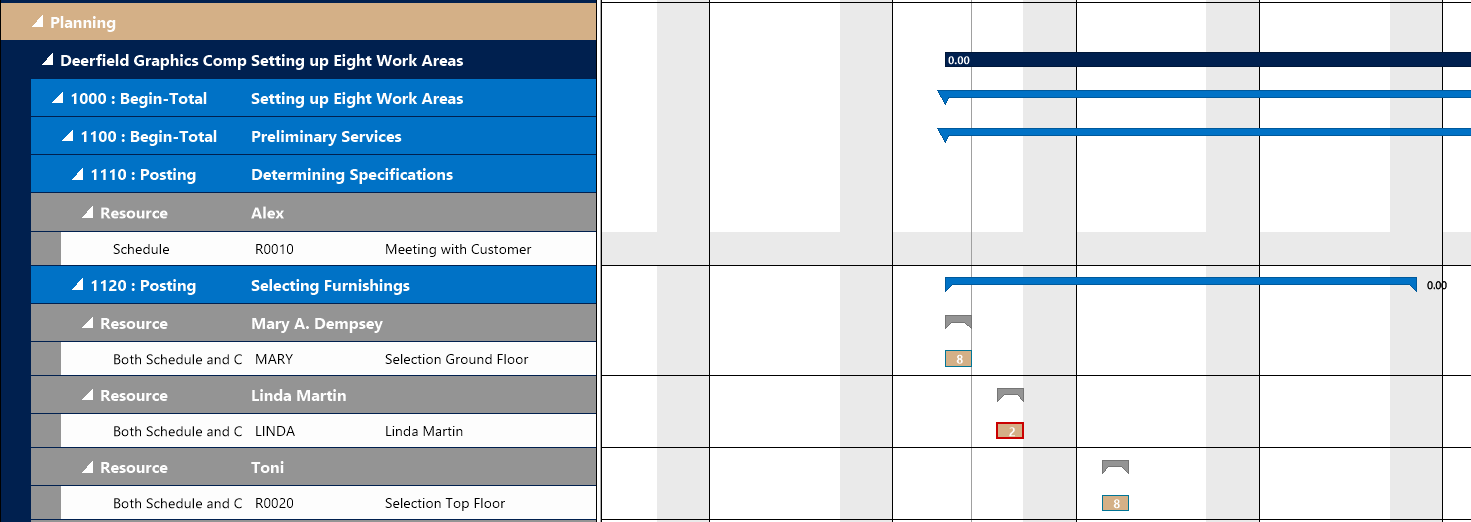
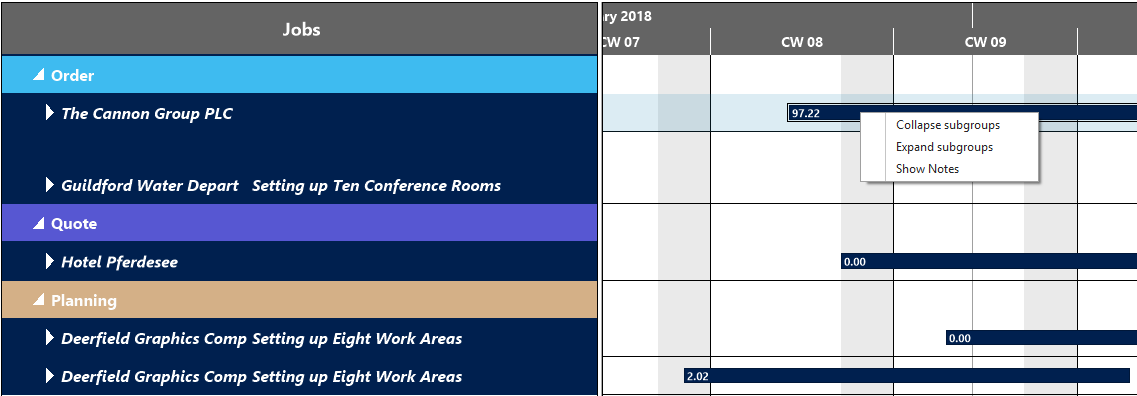
Collapse and expand jobs, resource groups, groups etc. either by clicking the corresponding symbols or by selecting the corresponding command from the table row’s/bar’s context menu, thus hiding details or rendering them visible.

All projects collapsed:
After having selected “Expand subgroups” for the “Planning” category: