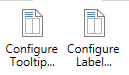
Click the according button to open the "Configure Tooltip"/"Configure Label" dialog
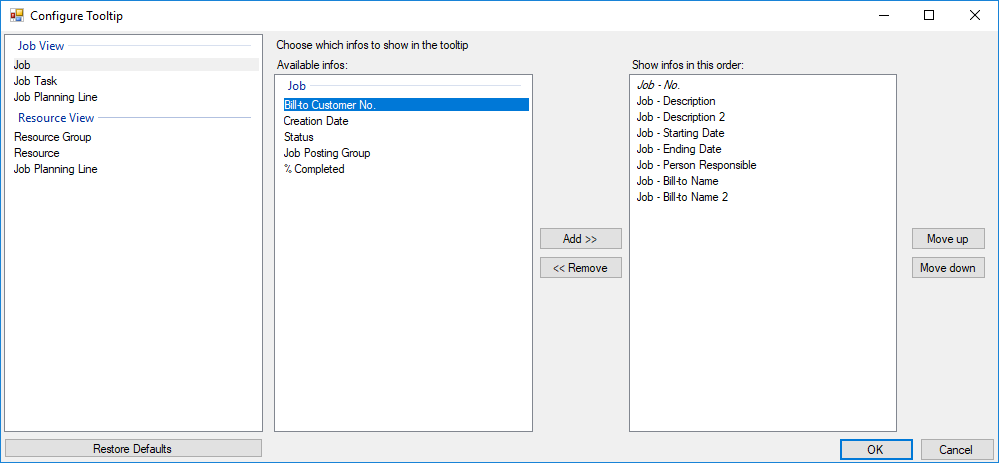
In both cases a dialog allows to specify the text to be shown in the tooltip or as label by selecting the desired NAV data from a list, either to add or remove them.
![Logo - NETRONIC Software - Gantt Charts for Visual Scheduling-a-Boyum-IT-Company-01.png]](https://help.netronic.com/hs-fs/hubfs/2017%20Relaunch/Logo/Logo%20-%20NETRONIC%20Software%20-%20Gantt%20Charts%20for%20Visual%20Scheduling-a-Boyum-IT-Company-01.png?height=50&name=Logo%20-%20NETRONIC%20Software%20-%20Gantt%20Charts%20for%20Visual%20Scheduling-a-Boyum-IT-Company-01.png)
Click the according button to open the "Configure Tooltip"/"Configure Label" dialog
In both cases a dialog allows to specify the text to be shown in the tooltip or as label by selecting the desired NAV data from a list, either to add or remove them.