![Logo - NETRONIC Software - Gantt Charts for Visual Scheduling-a-Boyum-IT-Company-01.png]](https://help.netronic.com/hs-fs/hubfs/2017%20Relaunch/Logo/Logo%20-%20NETRONIC%20Software%20-%20Gantt%20Charts%20for%20Visual%20Scheduling-a-Boyum-IT-Company-01.png?height=50&name=Logo%20-%20NETRONIC%20Software%20-%20Gantt%20Charts%20for%20Visual%20Scheduling-a-Boyum-IT-Company-01.png)
To provide more meaningful user information in these cases than the generic error message from Business Central, the VAPS offers the following support:
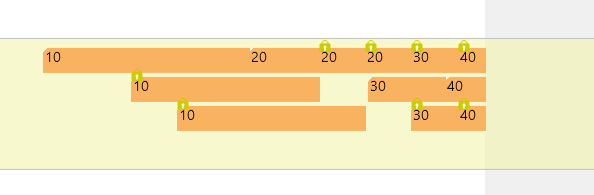
- a symbol for blocked production order routing lines
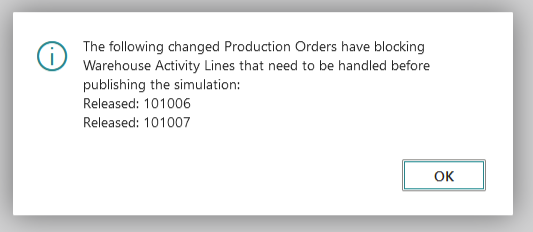
- an info window telling the users which production orders have been blocked
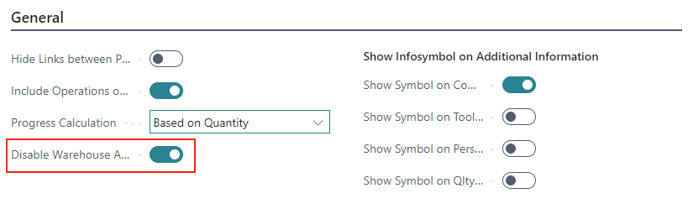
Since checking for affected production orders could consume excessive time in environments with a high volume of orders, the "Disable Warehouse Activity Line Check" option in the "General" section of the VAPS setup dialog allows for disabling the checking process. Please note, however, that in this case, the affected orders will still be blocked from modification.